What a template is Link to this section
The template library holds complete, working forms grouped by who they are for: sports clubs, associations, schools, events and business. Each one previews the real form, not a picture of one, and arrives with its fields, emails and messages already written.
Copying one into your workspace Link to this section
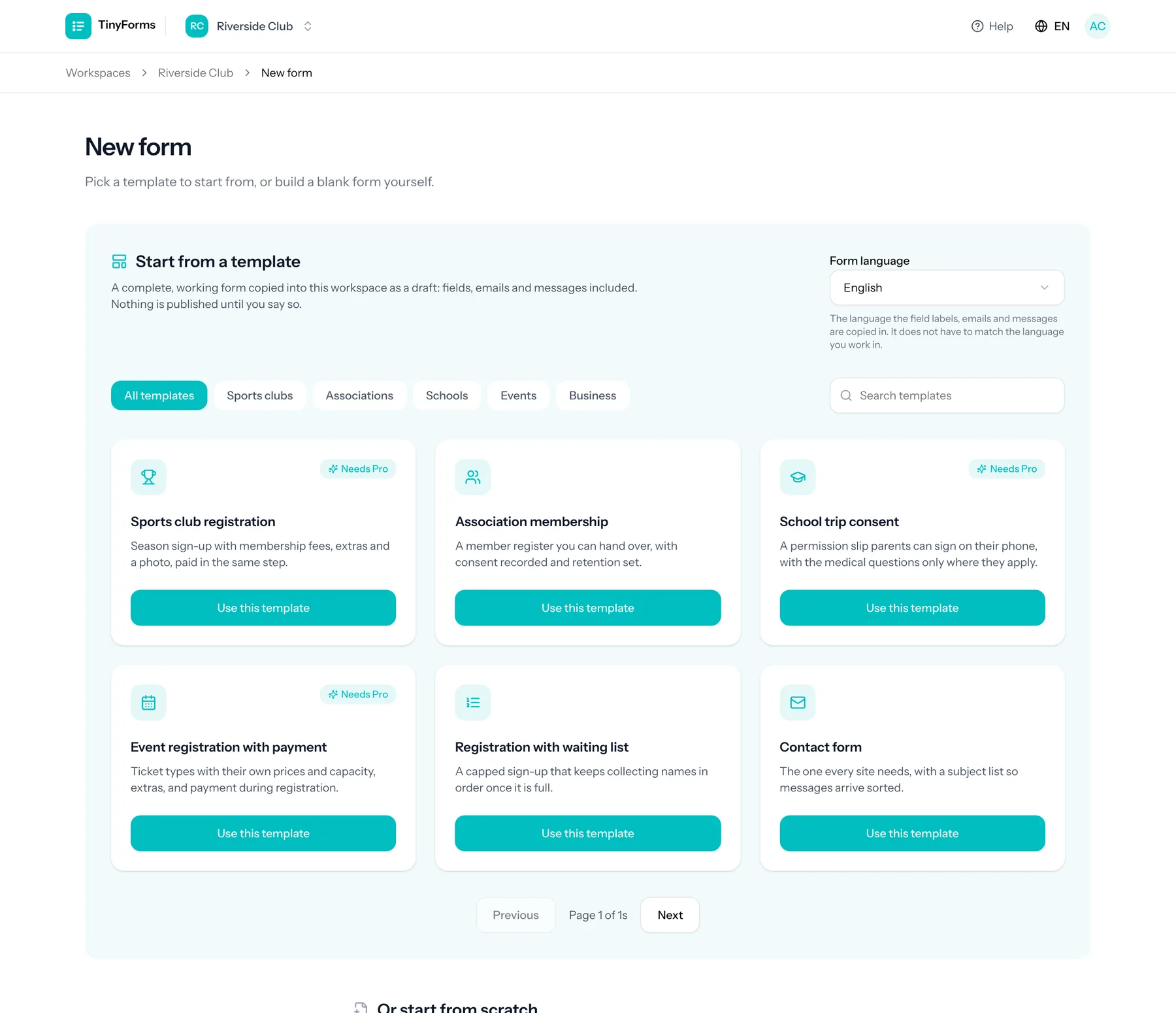
Open the picker
Choose New form in your workspace, or open a template on the public library.
Pick the language
In the app, the form language is a separate choice next to the templates.
Use this template
The button copies it into the workspace you are working in.
Adjust it
It arrives as an unpublished draft in the form editor, so nothing is live until you publish.
The copy goes through the same importer as an uploaded .tinyforms export: field ids are regenerated and conditional rules remapped, so it is a clean form of your own rather than a link back to the template.
Every template exists in English, Dutch, French and German, and the field labels, confirmation email, thank-you message and closed message all arrive in the language you chose. From the app you pick that language yourself, so a Dutch interface can produce a French form. From the public library the template is copied in the language of the page you used it from.
Templates that need a paid plan Link to this section
Some templates are built around payments or file uploads, which are part of the Pro and Business plans. They are marked in the library and in the picker, and you can copy and edit them on any plan. Publishing is where the plan matters: the pre-flight check names the plan as the reason and the form editor shows the same notice at the top.
Free workspaces can still use those templates by switching payments off or removing the upload field, after which the rest of the form publishes normally.
What still needs setting up Link to this section
- Templates with a payment need your own Mollie key in the workspace payment settings.
- Amounts, limits and capacities in a template are examples: replace them with yours.
- Consent text is placeholder wording; write your own before publishing.