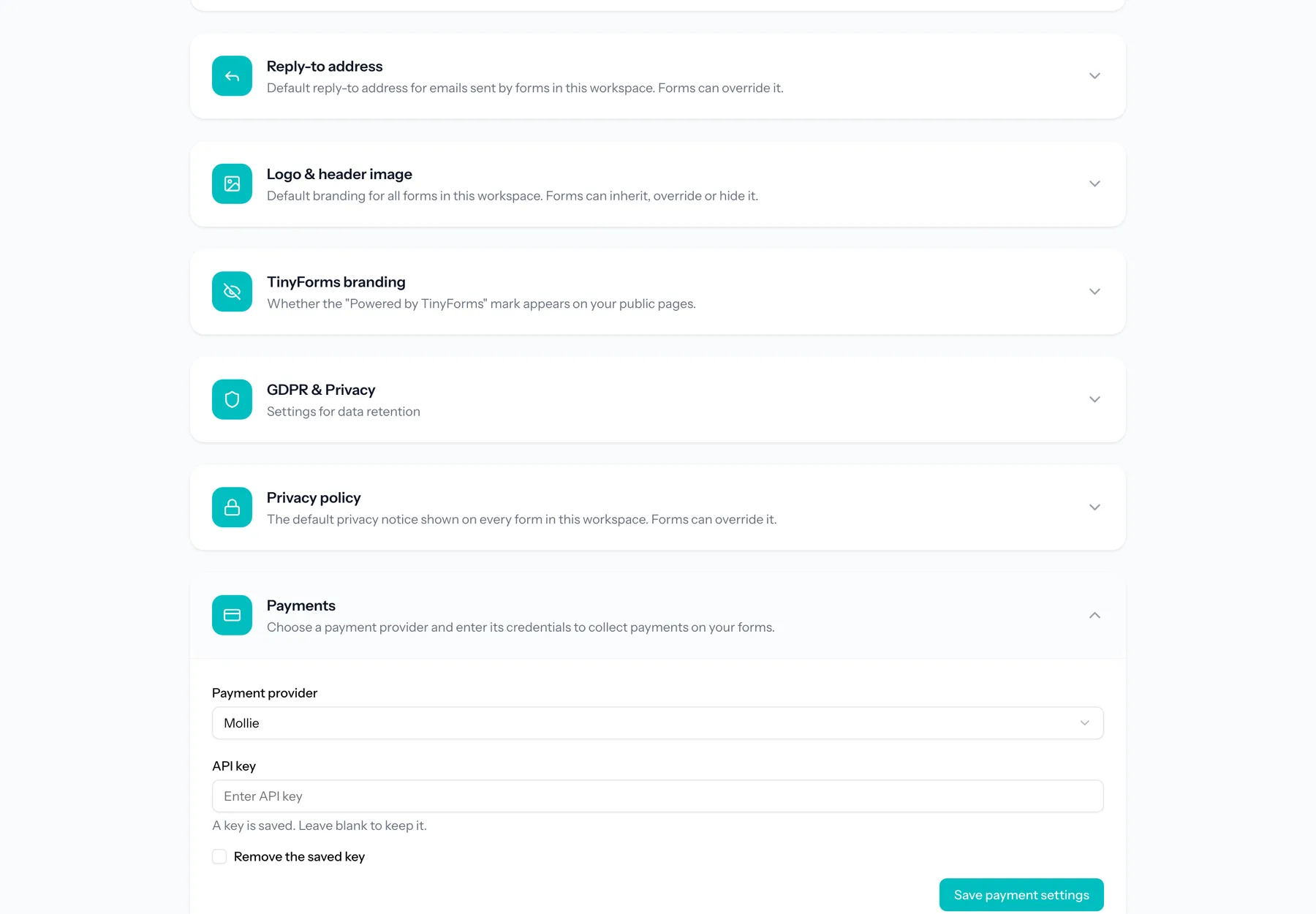
Your payment provider Link to this section
Each workspace configures its own payment provider and API key. The key is stored encrypted and is used to create payments for forms in that workspace, so the money goes straight to your own account.
Keep your key safe
Treat your API key like a password. If you suspect it has leaked, rotate it with your provider and update it here.