Inviting members Link to this section
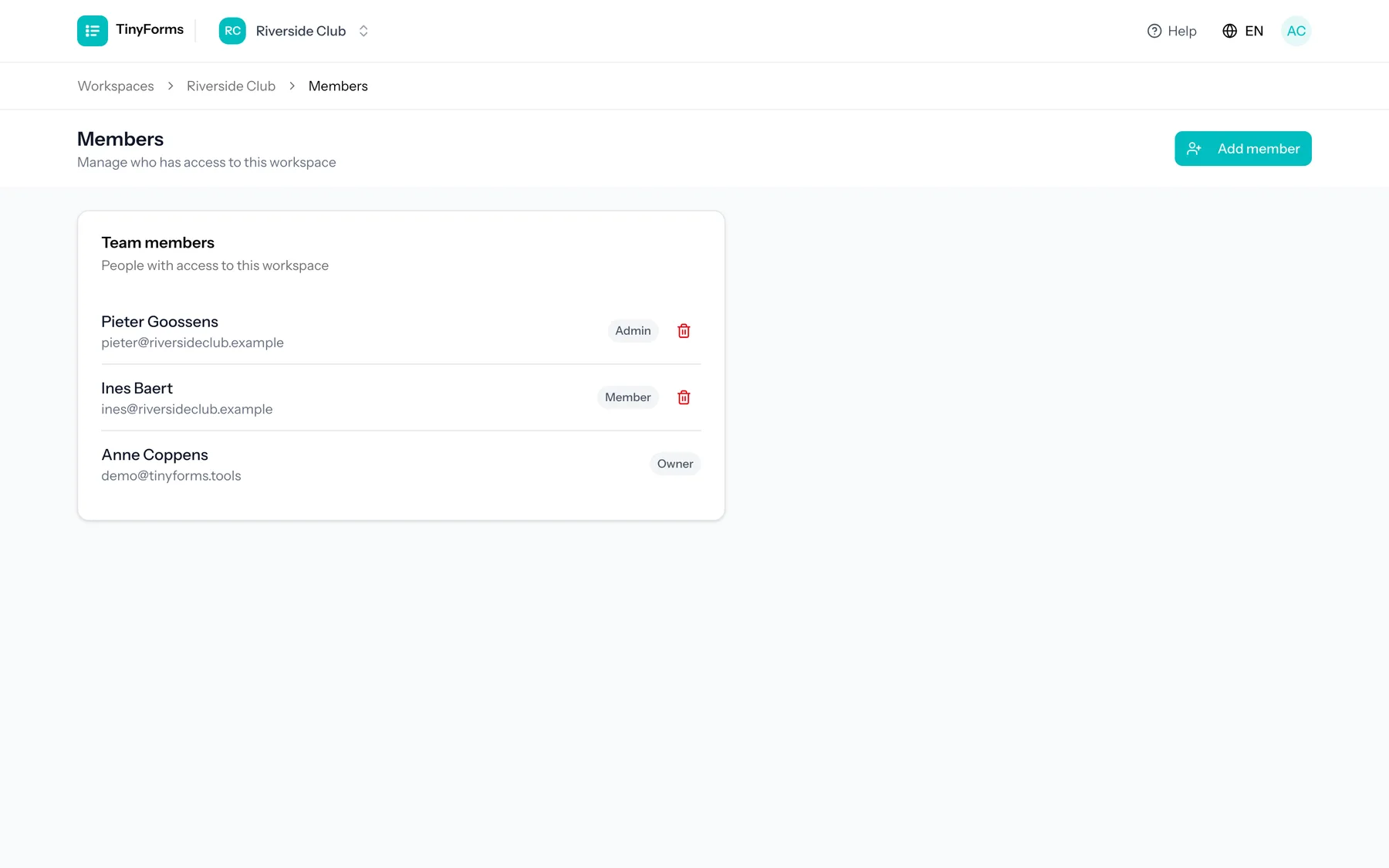
Invite people to your workspace by email and assign them a role. They get access to the forms and submissions in that workspace. The number of members you can add depends on your plan.
The three roles Link to this section
| Role | Can do |
|---|---|
| Owner | Full control, including billing, workspace settings and deleting the workspace. |
| Admin | Manage forms, submissions and members, without billing-level control. |
| Member | Work on forms and submissions day to day. |
You can remove members at any time and see the full member list on the members page.
There is exactly one owner. To hand the workspace to someone else, open the members page and use "Make owner" next to their name. They take over billing, deletion and the ownership itself, and you stay on as an admin. This is also how you leave a workspace behind that other people still work in.