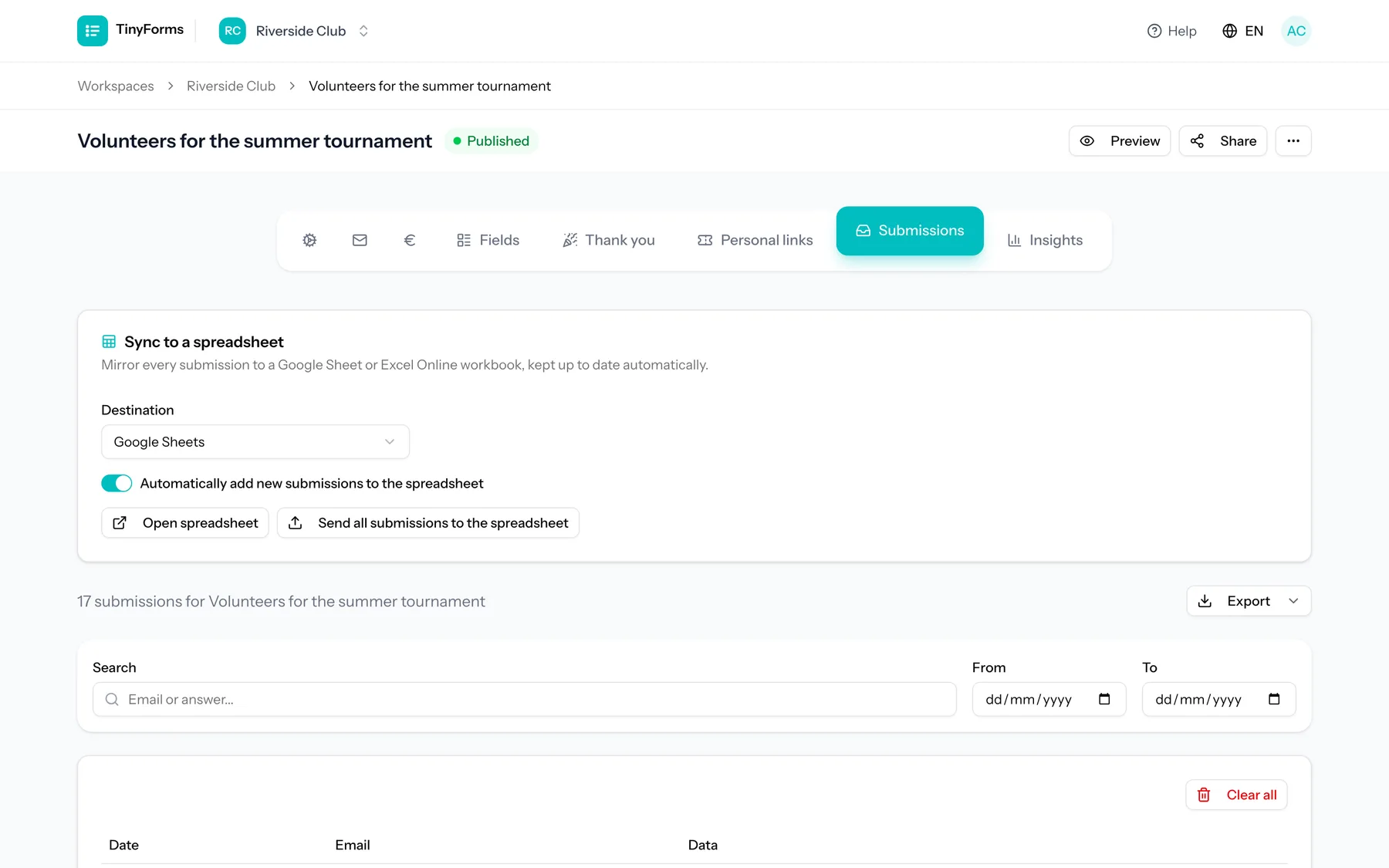
Connect a provider Link to this section
Connect Google Sheets or Microsoft Excel Online to your workspace once, then enable syncing per form. The connection is authorised securely and the tokens are stored encrypted, with refresh handled for you.
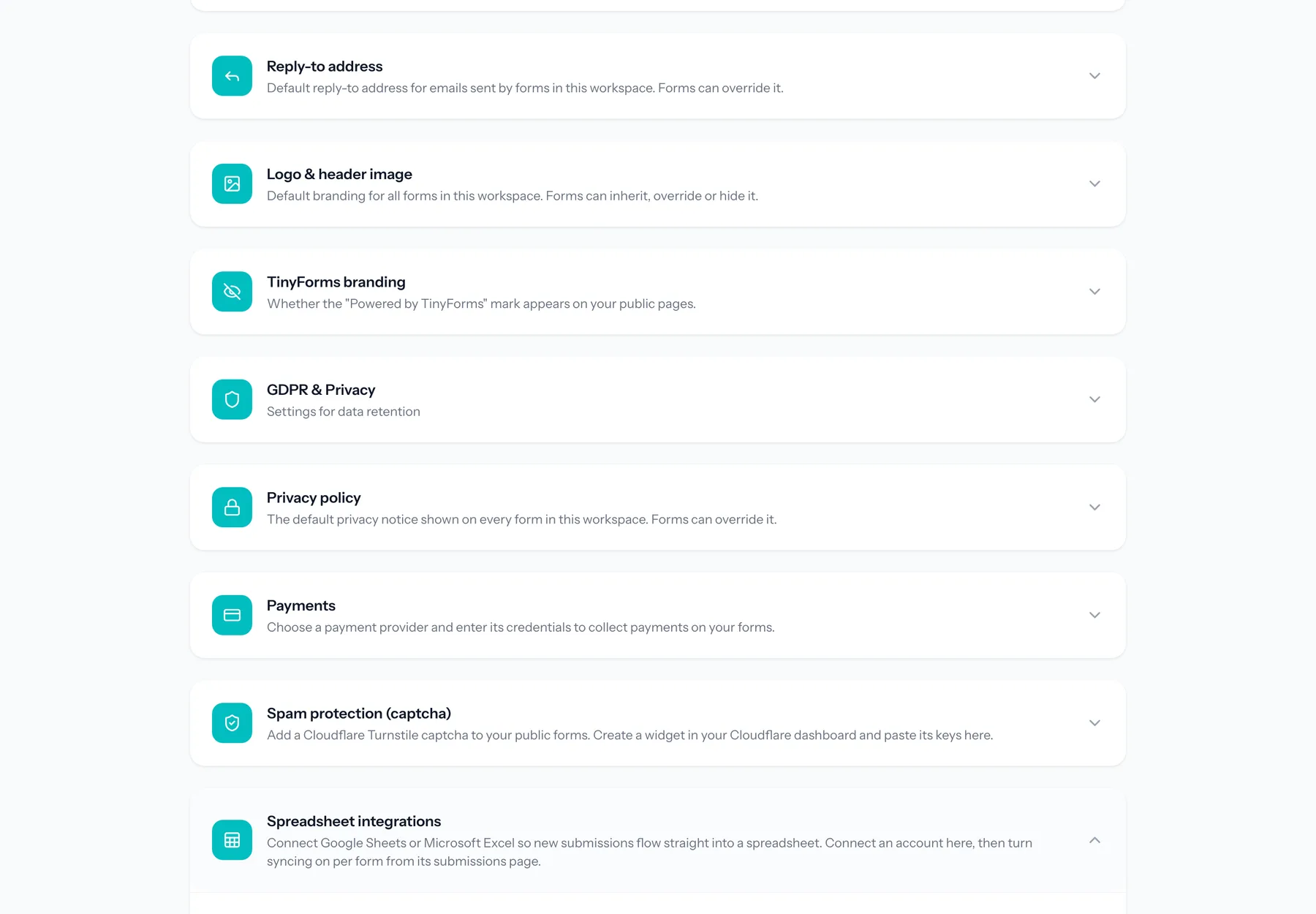
How sync works Link to this section
- A spreadsheet is created automatically with a header row of your field labels.
- Each new submission is appended as a row.
- When you first enable sync, past submissions are backfilled.
Never blocks a submission
Syncing runs in the background. If the spreadsheet is unreachable, the submission is still saved and the sync simply retries.