Notify yourself Link to this section
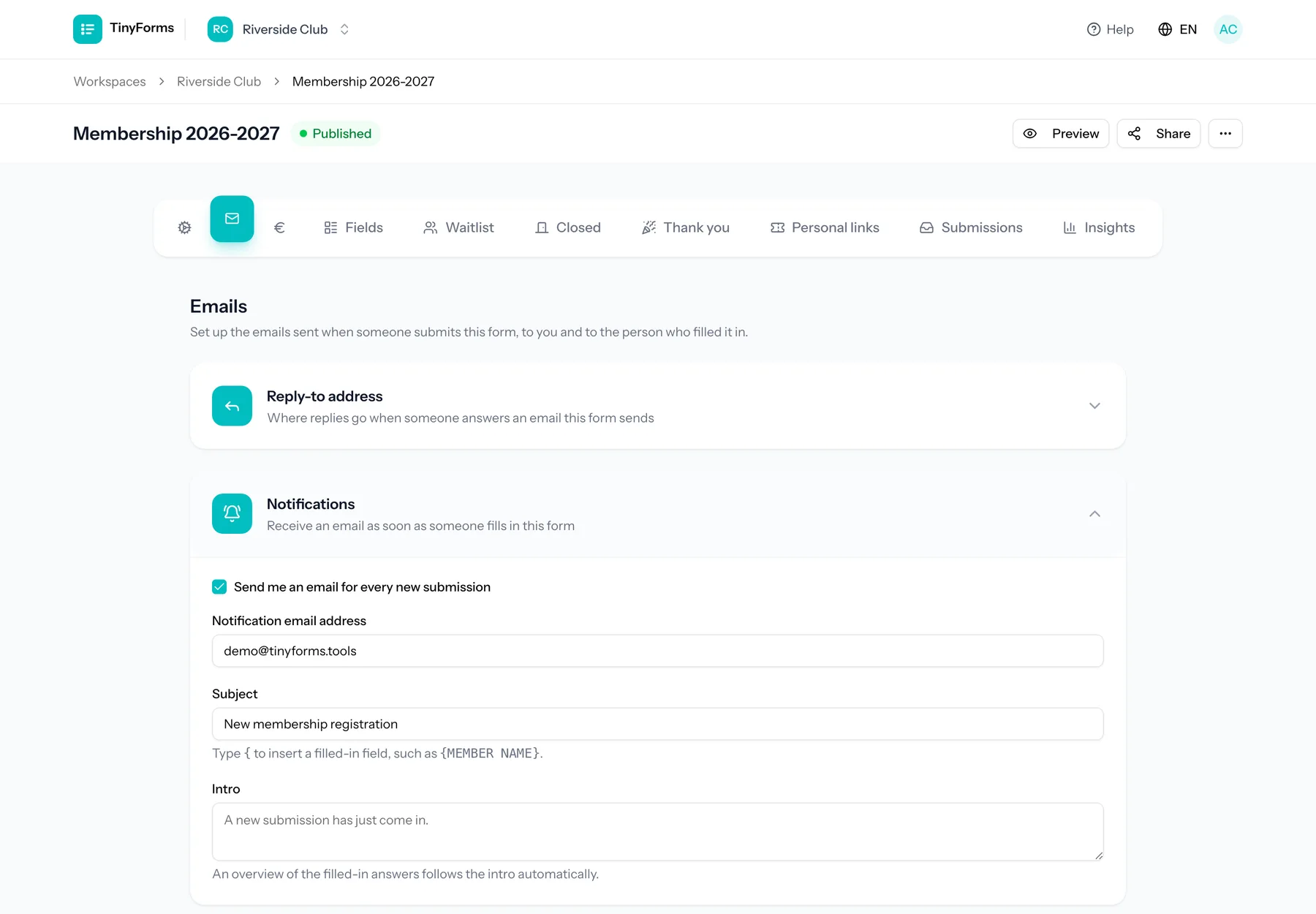
Get an email every time someone submits your form. You choose the recipient, the subject and an optional intro paragraph, so the notification reads the way you want.
Confirm to respondents Link to this section
Send a confirmation email to the person who filled in the form. TinyForms can auto-detect the email field, or you can choose it, and you set the subject and intro.
Placeholders and sender Link to this section
Subjects and intros can include placeholders that get filled in with the respondent answers, so each email is personalised. An answer that arrived through a personal link fills in what that link carried as well: {RECIPIENT} and every hidden column under its own name.
Emails are sent from a per-workspace address based on your workspace slug, and replies go to the reply-to address set on the form or workspace. Emails are queued and rendered in the language of the form.